Your email click rate is simply the percentage of people who received your email and actually clicked on a link inside it. It’s a straightforward, powerful metric.
Unlike open rates, which have become notoriously unreliable thanks to new privacy settings, your click rate gives you a rock-solid signal of how engaged your subscribers are and whether your campaign actually landed.
Why Your Email Click Rate Is a Critical Shopify Metric
For a long time, marketers were obsessed with open rates. We all were. But with Apple’s Mail Privacy Protection and other similar updates, open rates have become a vanity metric. They might look impressive on a report, but they don’t tell you who’s really paying attention.
For a Shopify store owner, the real action is the click. A click is a sign of genuine interest. It’s the crucial step a subscriber takes from just glancing at your email to actively thinking about buying something.
Think about it: every single click is a small win against a crowded inbox and the constant barrage of promotions from your competitors. A click means your subject line worked, your email copy connected, and your offer was compelling enough to make someone act. For Shopify stores, this metric is a direct line to revenue.
Shifting Focus from Opens to Clicks
When you start focusing on your email click rate, you get a much clearer picture of what’s actually working. You begin to understand which products, offers, and messages truly resonate with your audience. That data is gold for sharpening your strategy and getting better results over time.
Here’s why you should be prioritizing clicks:
- A Clearer Signal of Engagement: A click is a deliberate action. It proves a subscriber is actively interested, not just a victim of an automatic email open.
- A Direct Link to Revenue: For product-focused emails, you’ll almost always see a direct correlation between high click rates and an increase in sales. It’s a clear indicator of your ROI.
- Actionable Performance Data: Seeing which specific links get clicked tells you exactly what your audience wants, giving you a roadmap for future campaign content.
The Foundation for Meaningful Optimization
Once you understand that clicks are your North Star metric, you can start optimizing for them in a much more powerful way. This is where you can get strategic with tools that make every single click count for more.
For example, solutions like Checkout Links let you completely change the game.
Instead of sending an interested subscriber to a standard product page—forcing them to find the “add to cart” button, then navigate to the cart, then start the checkout process—you can send them directly to a pre-filled cart. Optimizing your email CTR isn’t just about tweaking one campaign; it’s a core part of a bigger strategy to improve ecommerce customer experience and grow your entire business. By removing those extra steps, you turn that high-intent click directly into a sale.
Understanding Your Current Email Click-Through Rate
https://www.youtube.com/embed/T15_h9GO-HY
Before you can even think about improving your email click rate, you need to know where you stand right now. And I don’t mean just glancing at the average number. You need to get a clear, honest baseline.
This means rolling up your sleeves and diving into your email service provider (ESP), whether that’s Klaviyo, Shopify Email, or another platform. Most of them will show your click-through rate (CTR) right on the campaign dashboard. That’s your starting point.
But don’t stop there. Look beyond the overall average. What’s the CTR for your welcome series compared to that flash sale you ran last Tuesday? Segmenting this data is the first step toward a real diagnosis.
Interpreting What Your Click Rate Data Is Telling You
Once you’ve got the raw numbers, the real work begins. Let’s be honest: a “good” CTR is completely relative.
Think about it this way: a product launch email might have a lower-than-average CTR, but if every click came from a high-intent buyer who made a purchase, it’s a massive win. On the flip side, a blog post announcement could get a ton of clicks but lead to zero sales. Context is everything.
As you analyze your performance, consider these crucial factors:
- Email Type: Automated flows, like abandoned cart reminders, should naturally have a much higher CTR than your general weekly newsletter. Why? They’re triggered by specific user behavior, making them incredibly relevant at that exact moment.
- Audience Segment: Clicks from your VIP customer list are gold. They’re far more valuable than clicks from a list of dormant subscribers you’re trying to win back.
- Offer and CTA: A juicy discount will almost always drive more clicks than a simple brand update. The clarity, wording, and placement of your call-to-action (CTA) also play a massive role.
Benchmarking Against Industry Standards
Now, how do your numbers stack up against everyone else? Comparing your metrics to industry averages gives you that much-needed context.
Recent data shows the average email CTR across major markets hovers around 2.5%. But here’s the interesting part for Shopify merchants: automated flows perform significantly better at 4.67%, while manual, one-off campaigns lag behind at just 1.29%.
This tells us something important: while email volume is growing, getting individual engagement is tougher than ever. Every single click is precious.
This is where you can see how your email efforts directly translate to your bottom line.
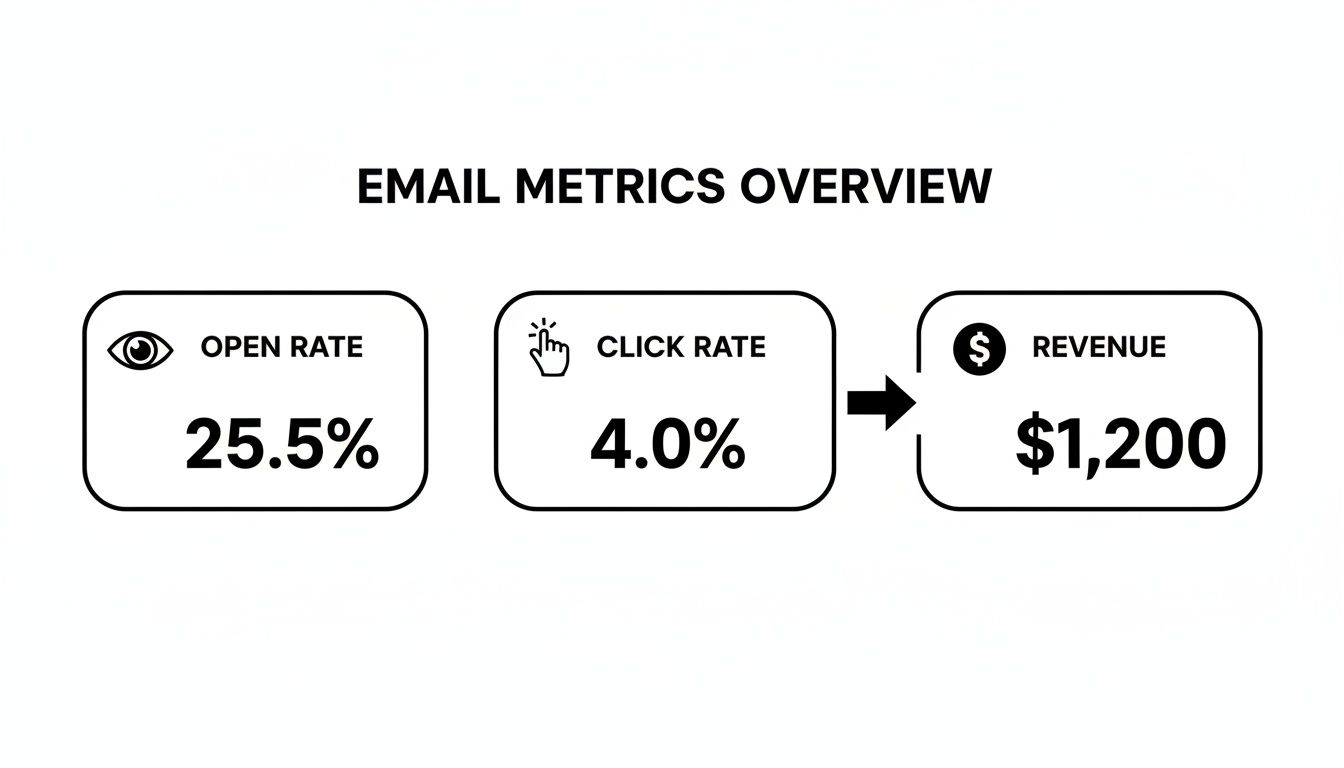
As the graphic shows, clicks are the vital bridge between a subscriber’s initial interest (the open) and an actual sale (the revenue). A healthy click rate is a direct signal that your emails aren’t just being seen—they’re driving real financial results.
If you want to get into the nitty-gritty of tracking this, our guide on email link tracking covers all the specifics.
How to Improve CTR With Dynamic Checkout Links
That image pretty much says it all. The goal is a checkout experience so smooth it feels effortless, especially on mobile. Dynamic checkout links are how you get there, right from inside your emails.
Knowing your current click rate is a great start, but boosting it means changing your tactics. Instead of just dropping a link to a product page and crossing your fingers, you can guide customers straight to a pre-filled checkout. This simple shift cuts out all the annoying steps in between, making that one click incredibly powerful.
Think about it. A standard link to a product page creates a to-do list for your customer. They have to click, find their size, add it to the cart, find the cart icon, and then start checking out. Every single step is another chance for them to get distracted and walk away.
Dynamic checkout links flip the script. They do all that grunt work for the customer, turning a multi-step chore into a single, decisive click.
Crafting High-Impact Links for Specific Scenarios
This is where the magic really happens. You’re not just creating links; you’re creating solutions tailored to specific moments in the customer journey. When the link’s purpose perfectly matches the email’s message, your call-to-action becomes a no-brainer. This is how you really move the needle on your click rate email performance.
Here are a few ways I’ve seen this work wonders:
- For Cart Abandonment: Ditch the generic “You left something behind!” email. Instead, send them a link that rebuilds their exact cart. Want to sweeten the deal? Pre-apply a small, time-sensitive discount right into the link itself. One click, and they land on a pre-filled checkout page, ready to hit “pay.”
- For VIP-Only Offers: Make your best customers feel like insiders. Before a new product launches to the public, send your VIP segment an exclusive checkout link. You can build a special discount right in, making them feel valued and giving them a compelling reason to buy right now.
- For Win-Back Campaigns: Got a list of subscribers who haven’t bought in a while? Target them with an offer on a product they’ve looked at before. A link that takes them directly to checkout with a hefty “welcome back” discount is often all it takes to bring them back into the fold.
Leveraging Advanced Features for Maximum Impact
You can push this even further. Beyond just creating a direct path to the finish line, certain features can make your links even more potent. This is where you can get really creative and see a serious jump in your click rates.
Think about features that add that extra layer of personalization and convenience. Pre-filling a customer’s known info—like their name and shipping address—shaves precious seconds off the checkout time.
Running a flash sale? You can use scheduled links that only work for a specific window, which is perfect for building hype and driving that all-important immediate action. If you want more ideas on putting these to work, check out our guide on how to send links for various campaigns.
Scale Your Wins With Automated Email Flows
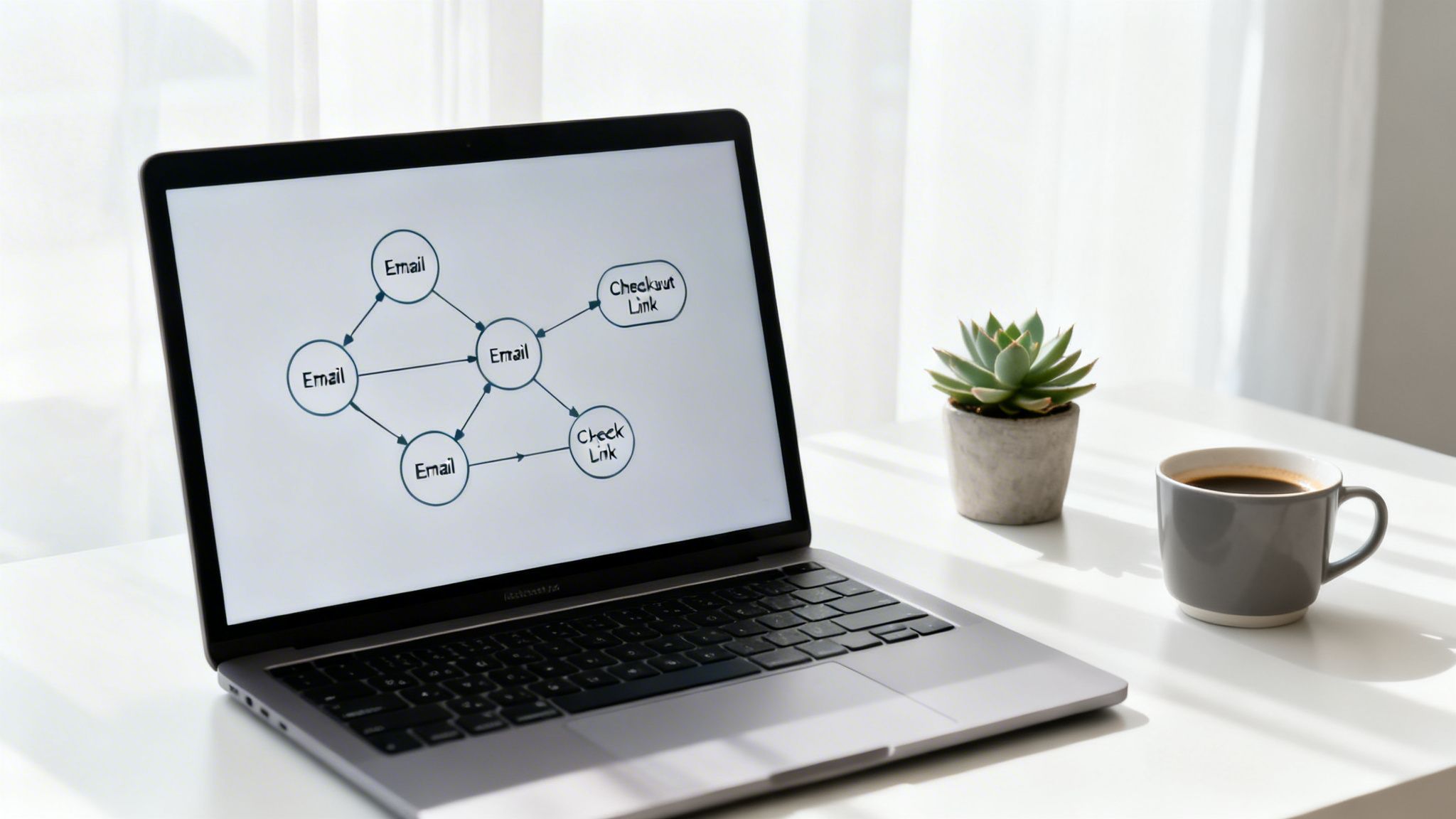
One-off campaigns are great for a quick sales bump, but the real magic happens when you build systems that work for you around the clock. This is where automated email flows come in. They are your secret weapon for turning a single successful tactic into a consistent, reliable revenue machine.
Automated emails, like your welcome series or browse abandonment reminders, get sent based on a customer’s specific actions. This timing is what makes them so powerful. By embedding dynamic Checkout Links into these flows, you create a “set it and forget it” system that drives a higher click rate email performance without you having to lift a finger.
Think about it: a customer gets an email at the exact moment they’re most engaged with your brand. That email contains a link that drops them directly into a pre-filled checkout. It’s the perfect blend of relevance and convenience.
The Mini-Playbook for Automated Flows
Integrating these direct-to-checkout links is simpler than it sounds. The key is to strategically place them where customer intent is already sky-high. You’re not just sending another email; you’re offering an immediate solution when it matters most.
Here are a few high-impact scenarios to get you started:
- Welcome Series: In your second or third email, after you’ve made your introductions, offer a Checkout Link with a small “new subscriber” discount on a bestseller. It’s a compelling next step that moves them from browsing to buying.
- Browse Abandonment: Someone viewed a specific product but left without adding it to their cart. Send them an email an hour later with a direct link to purchase that exact item. Don’t make them go searching for it all over again.
- Post-Purchase Upsell: A week after a customer buys something, send a thank-you email that includes a Checkout Link for a complementary product. For instance, if they bought a coffee maker, offer a link to buy your most popular coffee beans with a small discount.
A Closer Look: The Cart Abandonment Flow
Let’s zoom in on the most profitable automated flow for any Shopify store: cart abandonment. Instead of sending a single, generic reminder, a multi-email sequence armed with strategic Checkout Links can dramatically boost your recovery rates.
I’ve seen this three-email structure work wonders for brands:
- Email 1 (1 hour after abandonment): Keep it simple. A friendly “Did you forget something?” with a standard link back to their cart. No pressure, just a gentle nudge.
- Email 2 (24 hours later): Now it’s time to bring in the dynamic Checkout Link. Use an urgent subject line like, “Your cart is about to expire!” The main call-to-action should be a button that says “Complete My Order Instantly,” linking directly to a pre-filled checkout with a 10% discount automatically applied.
- Email 3 (48 hours later): This is the final push. “Last chance to get 10% off!” This email repeats the offer and uses the same powerful Checkout Link, driving home that the discount is disappearing soon. This isn’t just theory; the data from the trenches tells a clear story. The performance gap between automated and manual campaigns is huge.
Automated Vs Manual Email Campaign Performance
The table below gives you a direct comparison, highlighting just how much more effective automated flows are compared to standard, one-off campaigns.
| Metric | Automated Email Flows | Manual (All-Industry) Campaigns |
|---|---|---|
| Open Rate | 31.39% | 17.51% |
| Click-Through Rate (CTR) | 4.67% | 1.29% |
| Conversion Rate | 5.86% | 0.17% |
The numbers don’t lie. Automated email flows deliver a stunning 4.67% CTR compared to the 1.29% all-industry average for manual campaigns, making them an absolute goldmine for Shopify merchants. If you want to dive deeper, you can discover more insights about these AI and email statistics and see why automation is no longer just an option—it’s essential for serious growth.
By building these smart flows, you create an engine that consistently captures revenue that would have otherwise been lost.
Using A/B Testing to Optimize Every Click
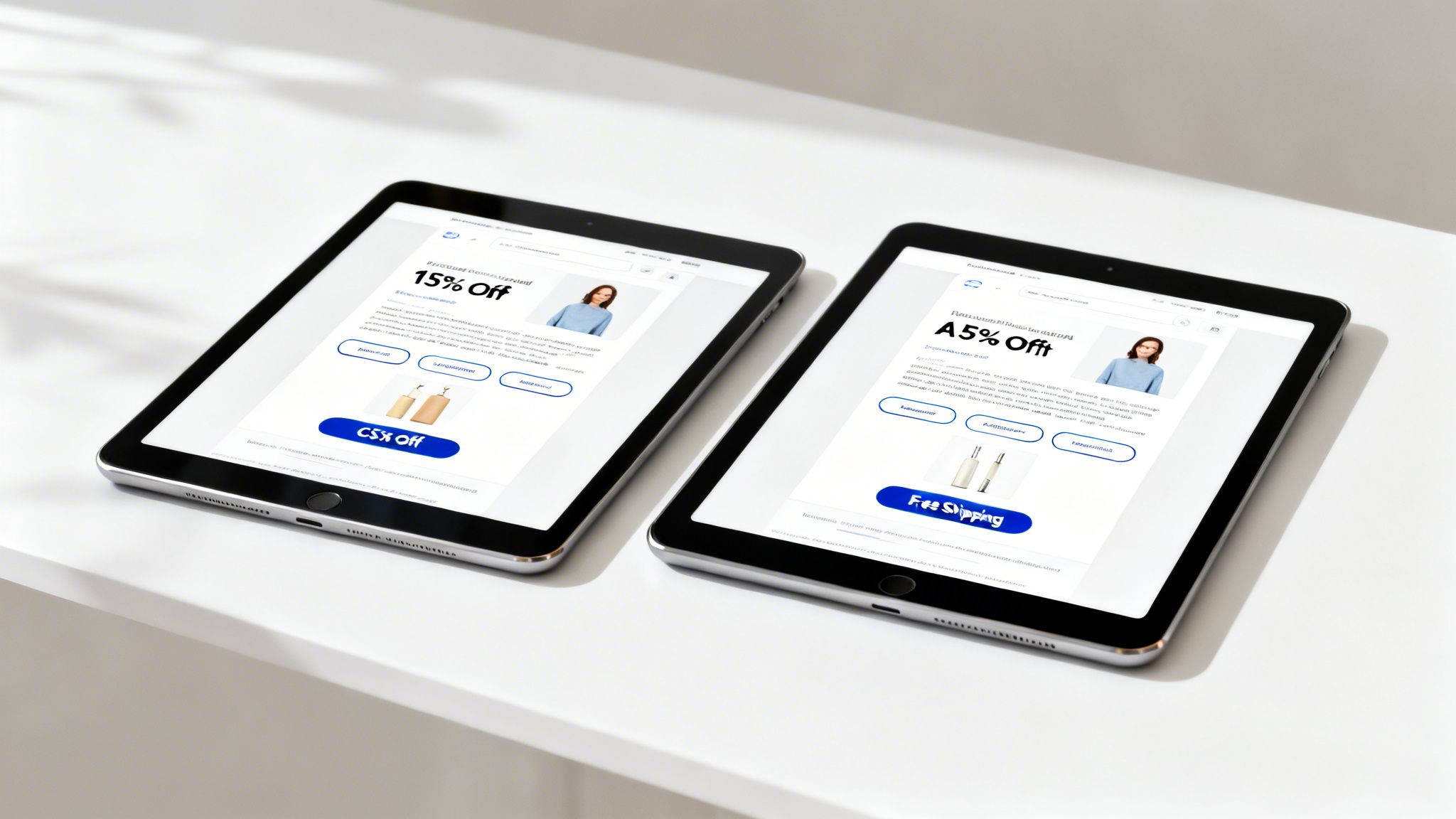
Here’s a truth about great email marketing: you never just find one winning formula and ride it into the sunset. The real magic is in constant, deliberate refinement. This is where A/B testing, or split testing, becomes your secret weapon for boosting your email click rate.
The concept is beautifully simple. You create two versions of an email (A and B) that are identical except for one single element you want to test. Send each version to a small, random slice of your audience, see which one gets better results, and then roll the winner out to the rest of your list. It’s a powerful way to stop guessing what your customers want and start knowing.
Testing the Offer Itself
One of the most impactful things you can possibly test is the incentive itself. What actually gets someone to click? Is it a percentage off, or is free shipping the real motivator? Instead of debating it in a meeting, let your customers’ clicks give you the definitive answer.
This is dead simple to do with a tool like Checkout Links. You can create two totally different offers and pit them against each other in the same campaign.
- Version A: Create a Checkout Link with a 15% discount that automatically applies at checkout.
- Version B: Create another Checkout Link, but this one applies free shipping. By tracking the clicks and—more importantly—the conversions from each link, you’ll get a crystal-clear picture of which incentive resonates with that specific audience. This isn’t just theory; it’s a practical, data-backed way to find out what truly moves the needle.
Refining Your Call to Action
Beyond the offer, the actual call-to-action (CTA) button is prime real estate for optimization. You’d be amazed how small tweaks to wording, color, or placement can have a huge impact on your click rate email performance.
Here are a few CTA elements I always recommend testing:
- Button Copy: Does “Shop Now” outperform “Claim My Discount”? What about something ultra-specific like “Get My New Shoes”? Test direct, action-oriented phrases against the classics.
- Button Design: Put a bright, high-contrast button color up against something more subtle and on-brand. Sometimes, a button that simply pops off the screen is all it takes to grab that click.
- Link Placement: Is your main CTA button more effective “above the fold” at the top of the email, or does it do better after you’ve had a chance to build value with your copy and images? Run a test and find out. These principles of optimizing user action apply everywhere in ecommerce, not just in your inbox. For example, a deep understanding of a solid Amazon CRO Strategy can teach you a ton about testing and refinement that translates directly back to your email campaigns. The core idea is always the same: make it obvious and effortless for the user to take the next step.
Remember, every test you run—win or lose—is a lesson. It teaches you something new about your audience, helping you make smarter decisions with every single email you send from now on.
Common Questions About Email CTR
Let’s be real—improving your email click rate can feel like chasing a ghost. I hear the same questions from Shopify store owners all the time, so let’s tackle them head-on with some straight answers.
Think of this as your personal cheat sheet for cutting through the fluff and focusing on what actually gets people to click.
What Is a Good Email Click Rate for a Shopify Store?
This is the million-dollar question, and the honest answer is: it really depends. While you’ll see a general industry average floating around 2-3%, that’s just a loose benchmark. What’s “good” for your store is entirely personal.
Your numbers will naturally shift based on your industry, how you built your list, and the type of email you’re sending. For example, you should hold your automated emails to a much higher standard.
Here’s a more realistic way to look at it:
- Automated Emails (Cart Abandonment, Welcome Series): You should be shooting for 4-6% or even higher. These emails are timely and directly related to a customer’s recent action, so they’re incredibly relevant.
- Manual Campaigns (Newsletters, Promotions): Hitting 2-3% on a broad campaign is a solid win.
- High-Engagement Segments (VIPs, Recent Buyers): For your most loyal fans? Expect to see numbers north of 5%. They know and trust you.
How Often Should I Email My List?
There’s no secret formula here. The best cadence is as often as you can deliver something genuinely valuable. If you have exciting content, new products, or can’t-miss offers, your audience will be happy to hear from you. But if you’re just emailing to make noise, you’ll watch those click rates (and your unsubscribe rate) tank.
A good starting point is to try a consistent schedule, maybe two or three times a week. Keep a close eye on your metrics. Are your click rates staying strong? If you see a steady decline, you might be pushing the limit for your specific audience. Any decent email marketing platform will let you track these engagement trends over time.
One of the biggest mistakes I see is store owners thinking more emails automatically equals more sales. The truth is, one high-value email with a crystal-clear CTA and a smooth Checkout Link will crush five low-effort, generic blasts every single time.
How Can I Quickly Fix a Low Click Rate?
If your click rate suddenly takes a nosedive, it’s time to go back to the fundamentals. First, scrutinize your subject lines and email copy. Are they compelling? Do they create curiosity? Are they free of any language that screams “spam”? A bad subject line kills your open rate, which means nobody even gets the chance to click.
Next, put your call to action (CTA) under the microscope. Is it a single, unmissable button, or are you overwhelming people with too many options? An email with one clear objective almost always performs better.
For an immediate boost, try replacing a generic “Shop Now” link with a dynamic Checkout Link that sends shoppers directly to a pre-populated cart. The less work they have to do, the more likely they are to buy.
Ready to turn more of those clicks into sales? Checkout Links helps you create dynamic, pre-filled checkout links in just a few seconds. Stop sending customers on a scavenger hunt through product pages and guide them straight to the finish line. Get started today at https://checkoutlinks.com.