The whole email html vs text discussion really comes down to a classic marketing choice: Do you want polished visual branding or a more personal, authentic touch? There’s no single right answer.
HTML emails are your go-to for creating a rich, branded experience. Think beautiful images, interactive buttons, and custom layouts that feel like an extension of your Shopify store. They’re perfect for big promotional campaigns. On the other hand, plain-text emails are all about deliverability and creating a direct, conversational feel. They often crush it in personal outreach and critical follow-ups where you need your message to land without any fuss.
Ultimately, the format you pick should be driven entirely by the campaign’s goal and what your audience expects to see from you.
The Strategic Choice Between HTML and Plain Text Emails
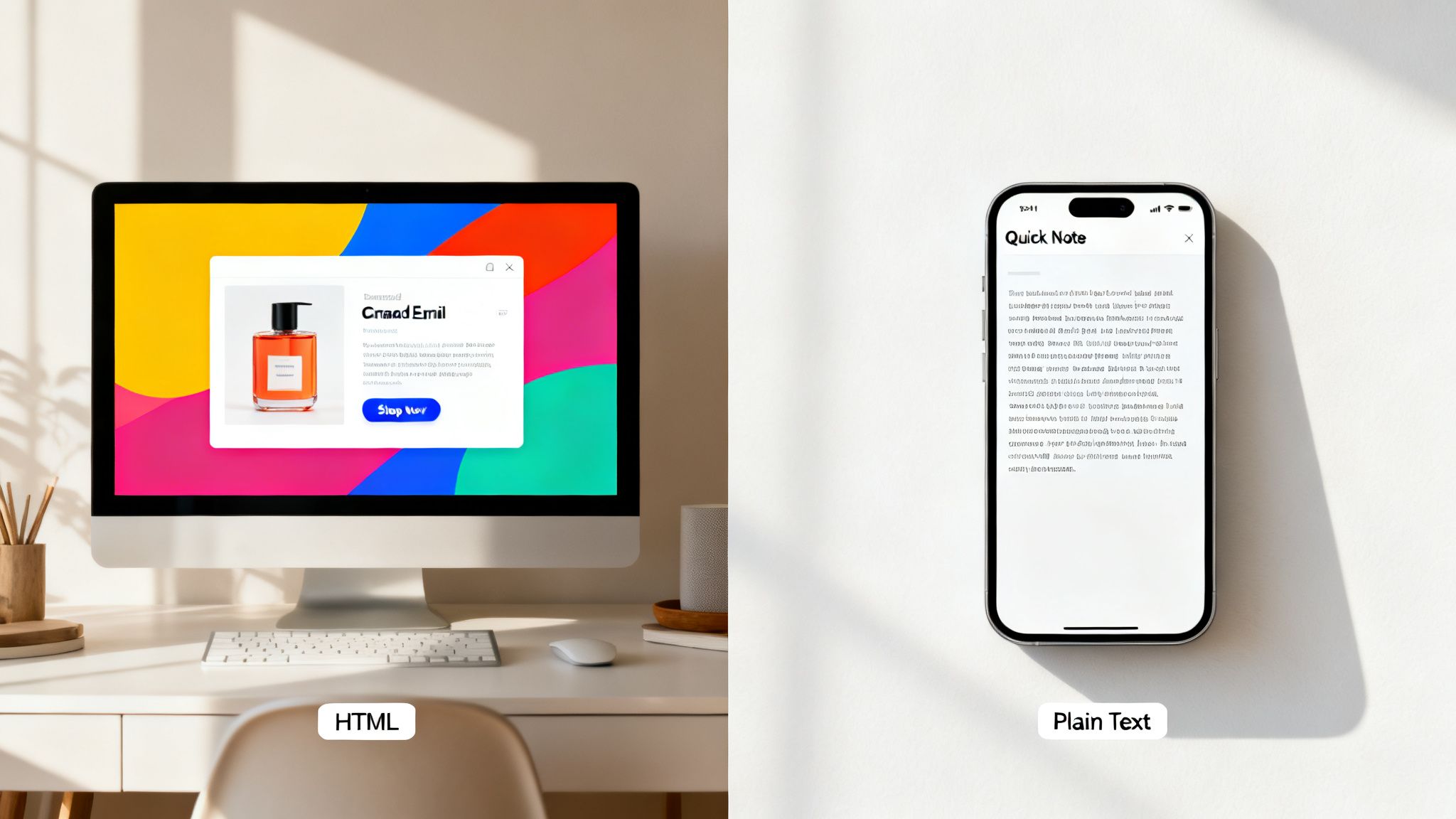
As a Shopify merchant, you know that every single email is a chance to make a sale, build some real customer loyalty, or win back a cart that’s about to be abandoned. The format you choose—be it a visually stunning HTML email or a simple plain-text note—has a direct impact on how that opportunity unfolds. It’s never about which one is universally “better,” but always about which one is the right tool for the job at hand. For a broader look at how this fits into your overall strategy, it’s worth checking out this complete guide to email marketing in ecommerce.
This guide will help you make that call, getting beyond the generic pros and cons to give you clear advice for specific situations. We’ll dig into how each format can affect your most important metrics and how customers perceive your brand.
Comparing Core Attributes
To use each format effectively, you first have to grasp their fundamental differences. HTML is designed for brand expression; plain text is built for clarity and getting the message delivered, period.
| Feature | HTML Email | Plain-Text Email |
|---|---|---|
| Visual Design | Full creative control with custom branding, layouts, images, and colors. | Just the text and links. No formatting at all. |
| Engagement | Guides user action with eye-catching buttons and visuals. | Depends entirely on strong copy and crystal-clear links. |
| Deliverability | Can sometimes get flagged by spam filters because of its code. | The gold standard for deliverability. Almost never gets filtered as spam. |
| Authenticity | Can come across as corporate or purely promotional. | Feels personal, almost like a one-to-one message from a real person. |
The Role of Context in Your Decision
The success of your email marketing really hangs on your ability to match the format to the context. A massive Black Friday sale announcement, for instance, thrives on the visual excitement you can only get from an HTML email. You can showcase your best products with gorgeous images and big, bold “Shop Now” buttons that are impossible to miss.
In the end, you need to get good at using both. The goal isn’t to declare one format the winner but to build a flexible, intelligent email strategy that deploys the right tool for the right job. By understanding these trade-offs, you can make sure every email you send—from the first welcome message to a last-ditch win-back campaign—is set up for success.
Understanding the Fundamentals of Each Email Format
Before you can pit HTML and plain-text emails against each other, you need a solid grasp of what they are and what they’re built for. They aren’t just two flavors of the same thing; they’re completely different tools for entirely different jobs. Picking the right one for your Shopify store starts with knowing what each can (and can’t) do.
Think of HTML emails as tiny, self-contained web pages that land directly in a subscriber’s inbox. They’re built with the same code—HyperText Markup Language—that powers the web, which means they can bring your brand’s full visual identity to life with custom layouts, fonts, colors, and images.
This format is your chance to create a digital storefront experience. It’s designed to grab attention, guide the eye with clear calls-to-action (CTAs), and feel like a seamless extension of your brand.
What Defines an HTML Email
The biggest advantage of HTML email is design flexibility. You can build a dynamic, engaging experience with elements that plain text just can’t support.
A typical HTML email often includes:
- Branded Headers and Footers: This keeps your brand identity front and center.
- Product Imagery: For e-commerce, showing your products is everything.
- Styled CTA Buttons: A well-designed button makes the next step obvious and irresistible.
- Multi-Column Layouts: You can organize information in a clean, scannable way, much like a digital magazine. Because they’re built on code, HTML emails give you incredible tracking capabilities. A tiny, invisible pixel can track every open, and redirected links register every click, giving you a wealth of data to work with. To dig deeper into how design choices affect your results, check out our guide on best practices for email design.
The Power of Plain-Text Simplicity
On the other side of the coin, a plain-text email is exactly what it sounds like: just text. No formatting, no images, no custom fonts. Its strength is its stark simplicity and the fact that it works everywhere, on every device.
This format gets rid of every possible distraction, making your message stand on the strength of the words alone. Since there’s no complex code or images to worry about, plain-text emails are the gold standard for deliverability, slipping past even the most aggressive spam filters. This makes them perfect for crucial messages like password resets, order confirmations, and high-value abandoned cart sequences where getting into the inbox is non-negotiable.
Comparing the Performance Metrics That Matter
https://www.youtube.com/embed/pmvhDoYasEg
When you’re trying to decide between HTML and plain-text emails, performance is the only thing that truly matters. For Shopify merchants, this isn’t about which one looks better; it’s about which one drives more opens, clicks, and, ultimately, sales. The data tells the real story.
Each format plays by different rules and has a different impact on your results. Plain text often gets a leg up on deliverability, while HTML is the traditional go-to for grabbing attention and driving clicks. But the reality is much more nuanced, and some of the data might surprise you.
This chart breaks down the core differences and common scenarios for each format.
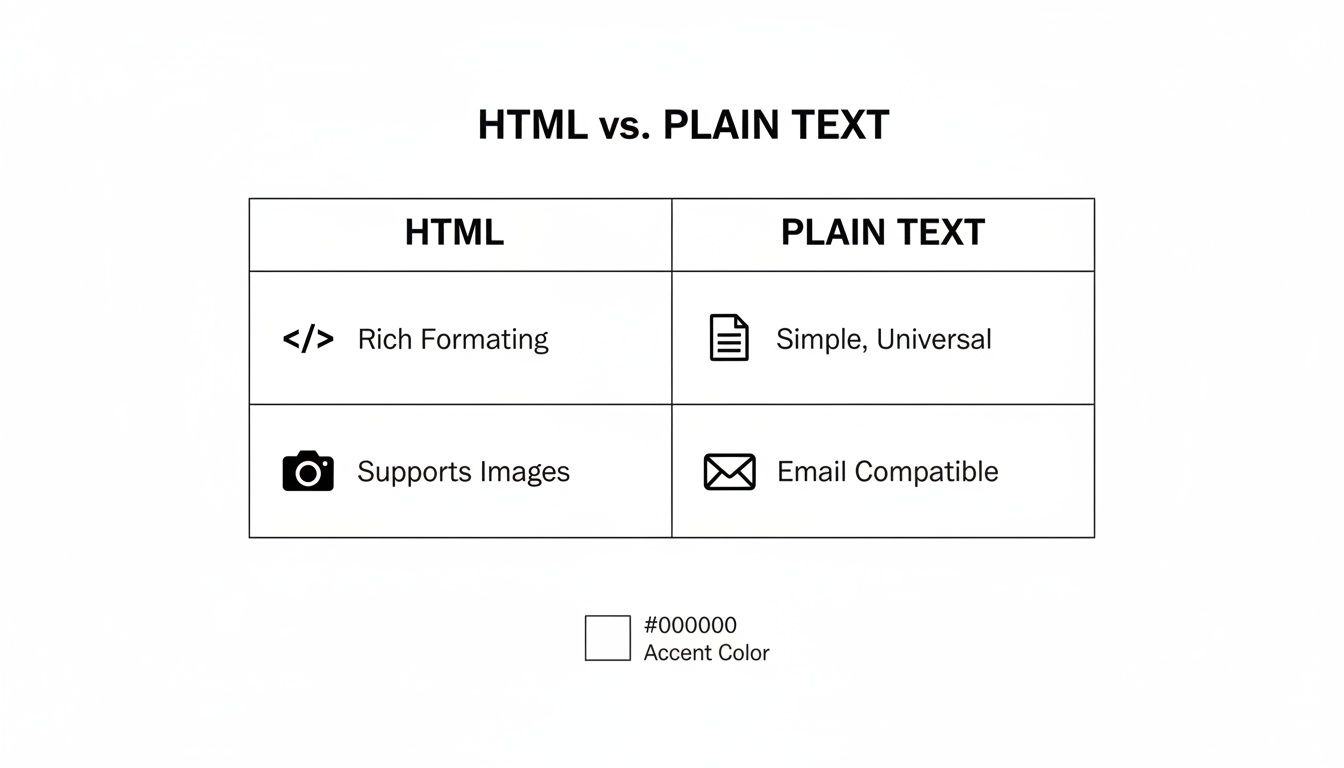
As you can see, HTML is all about branding and visual appeal. Plain text, on the other hand, prioritizes deliverability and authenticity. Your choice really comes down to what you’re trying to accomplish with each specific campaign.
H3: Deliverability: The First Hurdle
Before your subject line or CTA even gets a chance, your email has to make it to the inbox. This is where plain text has a clear advantage.
Spam filters are inherently wary of complex HTML code, a high image-to-text ratio, and multiple tracking links—all common ingredients in slick marketing emails. A plain-text email is just words. There’s no hidden code for filters to scrutinize, which gives it a much better shot at bypassing aggressive spam protection.
H3: Open Rates: Unpacking the Data
You’d think a beautiful, visually rich HTML email would naturally get more opens. But the data often tells a different story.
The personal, one-to-one feel of a plain-text email can be a powerful way to cut through a cluttered promotions tab. It feels less like a marketing blast and more like a genuine message.
Their research showed that adding just a single GIF tanked open rates by 37%. A heavy HTML template dropped opens by 23%. This directly challenges the old belief that more visuals always equal more engagement.
H3: Click-Through and Conversion Rates
Now, here’s where the debate gets really interesting. Conventional wisdom says you need flashy HTML buttons and slick product images to get people to click and buy. For a product launch, there’s no denying that showcasing your items with high-quality visuals is powerful. A well-designed call-to-action (CTA) button just feels more clickable than a raw link.
However, that same HubSpot study throws a wrench in the works. They found that full HTML templates actually had a 21% lower click-through rate (CTR), which led to 51% fewer total clicks. The takeaway? When an email feels personal and authentic (like plain text), subscribers might trust the message more and be more willing to click.
To help you decide, here’s a look at how these two formats stack up across the key e-commerce metrics.
HTML vs Plain Text Performance Impact
| Metric | HTML Email Performance | Plain-Text Email Performance | Key Takeaway for Shopify Merchants |
|---|---|---|---|
| Deliverability | Lower. Code-heavy templates and multiple images can trigger spam filters, leading to more emails landing in spam or promotions tabs. | Higher. Its simplicity and lack of code make it a safer bet to bypass filters and land directly in the primary inbox. | If an email is critical (like cart recovery), plain text gives you the best chance of it being seen. |
| Open Rate | Often Lower. Can be perceived as commercial and less personal, leading to lower engagement in crowded inboxes. | Often Higher. The personal, one-to-one feel can stand out, leading to more opens. | For building relationships or re-engagement, the authenticity of plain text often wins. |
| Click-Through Rate (CTR) | Variable. Visually appealing CTA buttons and product images can drive high clicks for specific campaigns (e.g., sales, product launches). | Variable. While it lacks visual CTAs, the high trust factor can lead to surprisingly strong, intent-driven clicks. | Your audience and offer matter most. Test both to see what your customers respond to. |
| Conversion Rate | Potentially Higher for Visual Products. Showing the product in action helps customers visualize ownership and can lead directly to sales. | Potentially Higher for Trust-Based Sells. A personal appeal can be more persuasive for high-consideration purchases or building long-term loyalty. | Align the format with the campaign goal. Use HTML for product showcases and plain text for personal appeals. |
The bottom line is that there’s no single right answer. The best format depends entirely on your audience, your brand’s voice, and the specific goal of each email you send.
Here are a few scenarios to consider:
- For Product Launches: HTML is almost always the winner for showing off new items with professional, high-quality visuals.
- For Cart Recovery: A plain-text email from the “founder” or a “customer support specialist” can feel more personal and urgent, often leading to better recovery rates.
- For Welcome Series: Try a hybrid approach. Start with a personal, plain-text welcome note, then follow up with a branded HTML email to introduce your products. Ultimately, your own data is your best guide. Move beyond assumptions and let your customers’ behavior, revealed through consistent A/B testing, tell you what works.
Strategic Use Cases for Your Shopify Store
Knowing the data is one thing, but actually putting it to work is what separates stalled stores from growing ones. When it comes to the email html vs text debate, there’s no single right answer. The best format is dictated by the goal of your message, the customer you’re talking to, and the action you want them to take.
Let’s move from theory to practice. Here are some real-world scenarios where each email format really shines, helping you build a smarter, more effective email strategy.
When to Deploy Plain-Text Emails
Plain-text emails are your secret weapon when authenticity, trust, and deliverability are paramount. Their stripped-down, simple nature makes them feel personal and urgent, allowing them to slice right through the promotional clutter that clogs most inboxes.
Here are a few moments where plain text is the perfect choice for your Shopify store:
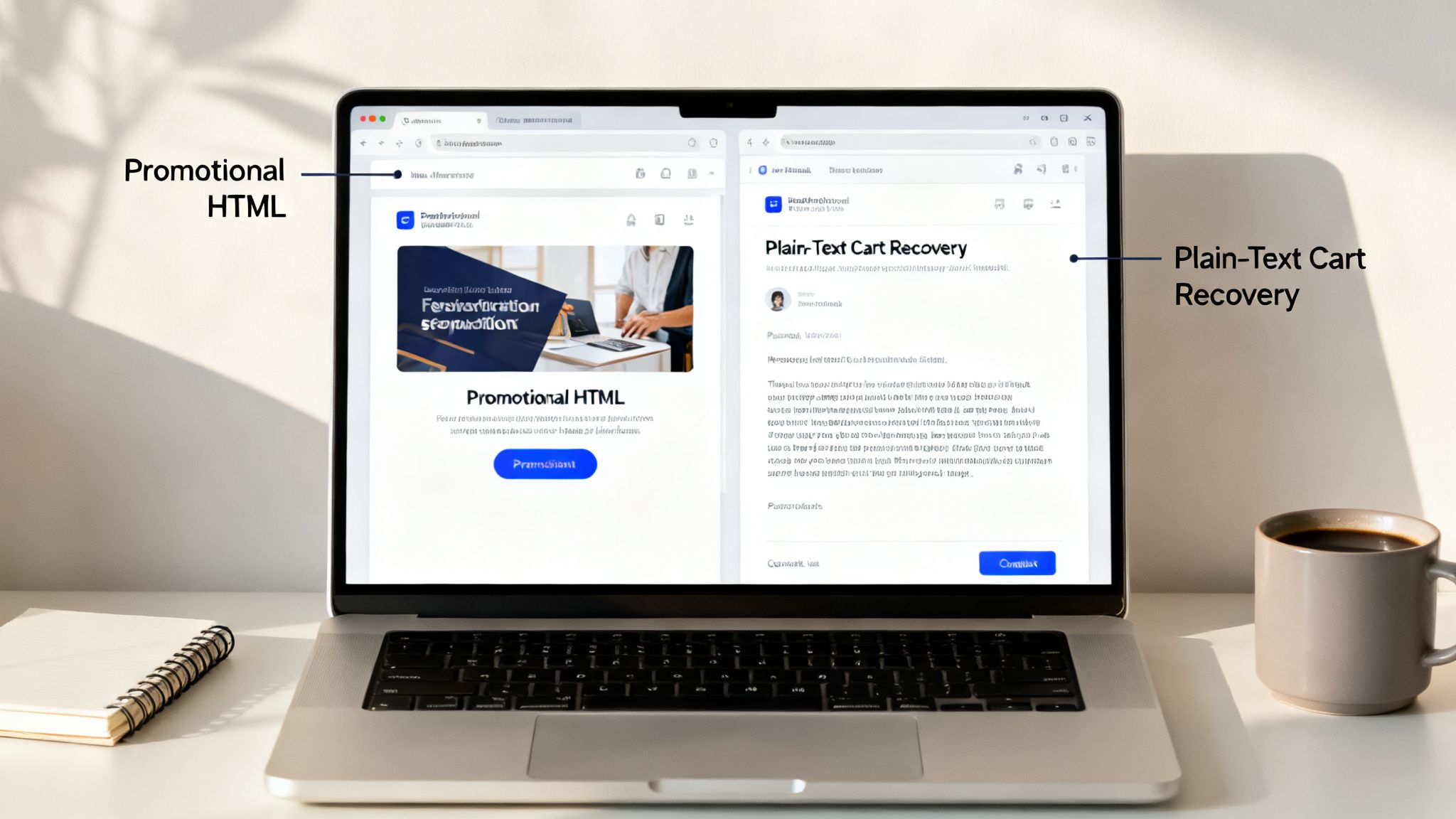
- High-Intent Cart Abandonment: A customer with a full cart is just a step away from buying. A flashy HTML email can feel like just another marketing blast, but a simple, plain-text note from your “founder” or a “customer service rep” feels like a genuine, personal follow-up. This is a perfect place to embed a dynamic checkout link that whisks them back to their pre-filled cart, maybe even with an automatic discount applied.
- The Founder’s Welcome Email: That first email a new subscriber gets is your chance to make a great impression. A plain-text message directly from the founder that shares the brand’s origin story creates an immediate, human connection that a polished HTML design often struggles to match.
- High-Value Customer Follow-Ups: For your best customers, a personal touch can make all the difference. Use plain-text emails to check in after a big purchase, offer them exclusive access to a new product, or send a special passcode-protected checkout link as a thank you. It’s a simple gesture that reinforces their VIP status and builds serious loyalty.
Maximizing Conversions with HTML Emails
When your goal is to dazzle, show off your products, and create an immersive brand experience, HTML is the undisputed champion. It’s your canvas for deploying your store’s branding, using high-quality images, and building a clear visual path to guide your customer’s journey.
Consider these scenarios for tapping into HTML’s visual power:
- New Product Launches and Announcements: You can’t launch a new collection without showing it off. HTML emails let you feature gorgeous photography, call out key features with styled text, and drive sales with bold, “bulletproof” call-to-action buttons that are impossible to miss.
- Major Sales and Seasonal Campaigns: Big events like Black Friday demand big energy. An HTML email can build excitement and urgency with countdown timers, showcase a grid of sale items, and even include branded QR codes that link directly to your sale collection for mobile shoppers.
- Brand-Building Newsletters: Your regular newsletter is where you tell your brand’s story and keep your audience hooked. HTML allows you to create an engaging, magazine-style layout with distinct sections for blog posts, product features, and user-generated content, creating a rich experience that people actually look forward to receiving.
Segmentation: The Key to Success
Here’s the thing: the most sophisticated email marketers don’t just pick one format and stick with it. They segment their audience and choose the format that fits the context.
A compelling A/B test from Litmus uncovered a fascinating insight: for existing customers, a plain-text email drove 60% of conversions compared to its HTML counterpart. This strongly suggests that loyal customers, who already know your brand, respond better to a direct, personal appeal. You can read more about these A/B testing findings on litmus.com.
For Shopify Plus brands, that data points to a clear strategy. Try using plain-text emails with dynamic checkout links for cart recovery flows targeting your loyal customer base to capture that conversion lift. At the same time, use your beautifully designed HTML emails to introduce your brand’s aesthetic to new shoppers and make a stunning first impression.
Optimizing Deliverability and Avoiding Spam Filters
An email’s journey from your Shopify store to a customer’s inbox is a treacherous one. Getting that email delivered—and not just delivered, but into the primary inbox—is where the real battle is won or lost. Even the most brilliant offer is worthless if it gets buried in a spam folder.
Spam filters have gotten incredibly sophisticated, and they’re naturally suspicious of the very things that make HTML emails look great. They pore over everything: the ratio of images to text, the quality of the underlying code, and the number of links you’ve included. A visually stunning email can quickly become a liability if its code is bloated, its images are broken, or it’s stuffed with tracking links. These are all classic red flags for inbox providers.
This is where plain-text email shines. Its greatest strength is its simplicity. There are no complex code structures for filters to analyze and no images to raise suspicion. That makes it an incredibly powerful tool for high-stakes sends, like trying to re-engage a cold list or sending that crucial first welcome email. When you absolutely need to build a positive sender reputation, plain text is often the safest bet.
Understanding Spam Filter Triggers
Think of spam filters as bouncers at a club, and every email has to get past them. They assign a score to each email based on a long, ever-changing list of criteria. The higher the score, the more likely your email gets kicked to the curb (or the spam folder). While the exact algorithms are a closely guarded secret, we know what makes them nervous.
Here are a few of the biggest red flags:
- High Image-to-Text Ratio: An email that’s basically one big image is a hallmark of a spammer trying to hide sketchy text from filters.
- Sloppy HTML Code: Messy code, broken tags, and weird formatting are signals of a low-effort, potentially malicious email.
- Suspicious Links: Relying on URL shorteners or linking out to unverified domains is a quick way to get your email flagged.
The Plain Text Advantage in Practice
The data doesn’t lie. In industries where trust and directness are paramount, like B2B or tech, plain-text emails consistently outperform their flashy HTML counterparts. They just feel more authentic and are less likely to be automatically shunted into a promotions tab. This translates to better inbox placement and a much lower risk of being marked as spam.
For merchants using Checkout Links, this can have a huge impact. A simple, plain-text abandoned cart email containing a passcode-protected link can slice right through the noise and achieve 42-51% more clicks. It gets the job done without setting off any alarms. You can dig into more of this kind of data in this HTML vs. text email analysis.
Best Practices for Every Campaign
Even if you’re committed to HTML, you can still play it smart to protect your sender reputation. A huge part of this is maintaining a healthy list; regularly managing cleaned email lists is non-negotiable for good deliverability.
Beyond that, you should always use multipart MIME (Multipurpose Internet Mail Extensions). This is a simple but critical practice where you send both the HTML and a plain-text version of your email together in one package. The recipient’s email client automatically shows the version it can best support. This not only ensures everyone has a good experience but also shows spam filters you’re a legitimate sender following the rules.
Want to go deeper? You can find more practical strategies to improve your email deliverability. By combining clean HTML, a balanced design, and a reliable plain-text fallback, you give every single email the best possible chance to land where it belongs.
How to Put Your Email Strategy Into Action in Shopify
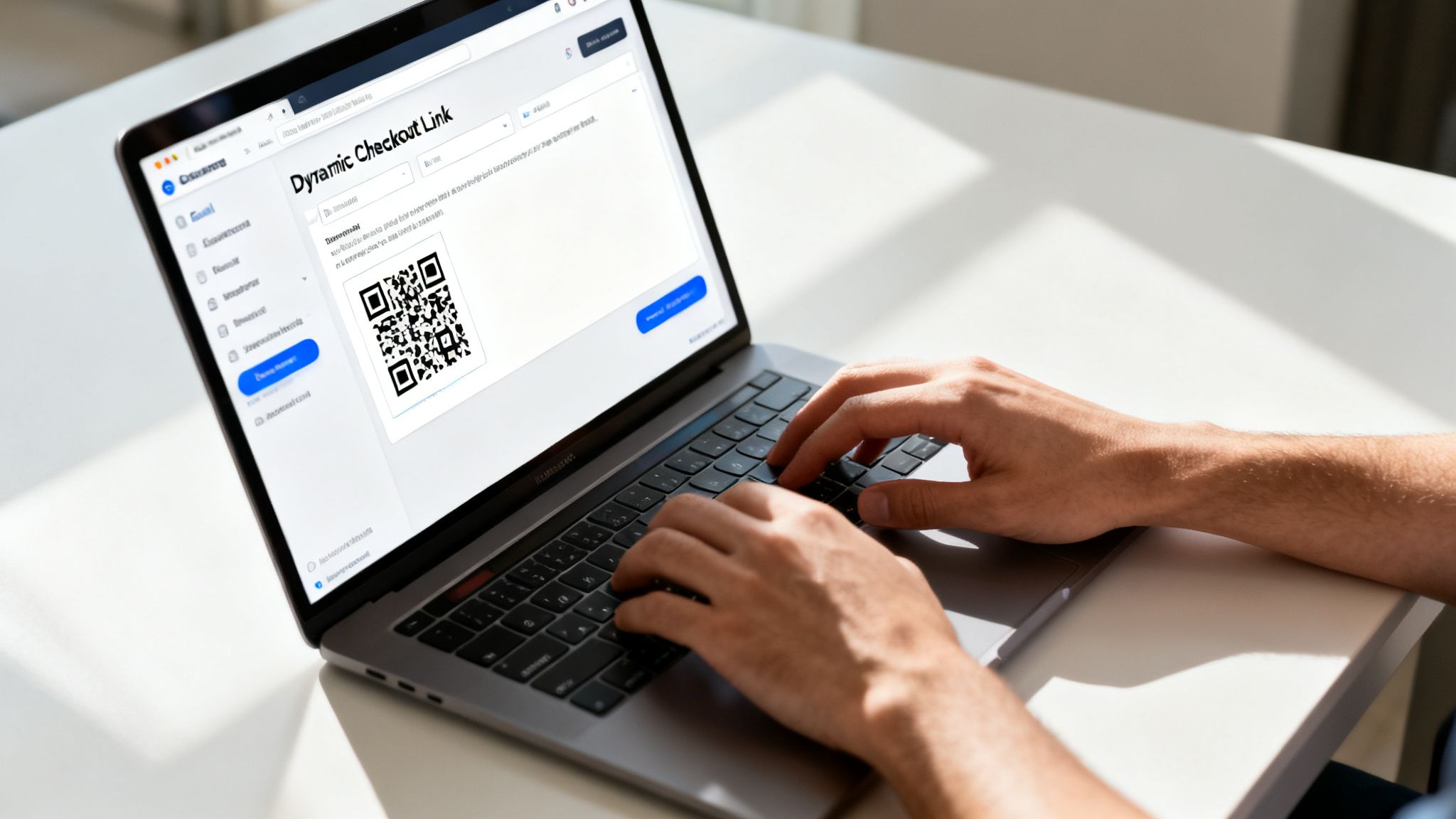
Moving from theory to practice is where the rubber meets the road. Knowing the difference between HTML and plain-text emails is one thing, but actually using that knowledge to drive sales in Shopify is what really matters. This is your practical guide to building out both types of emails for critical e-commerce campaigns, complete with powerful tools like dynamic checkout links to squeeze every bit of value out of them.
We’ll break down two common, high-impact scenarios. First, we’ll tackle a high-conversion, plain-text abandoned cart email. Then, we’ll shift gears to a visually rich HTML email perfect for a big sale, showing how each format nails a different job.
Plain Text Cart Recovery with Dynamic Links
When a customer is that close to buying, a direct and personal touch can make all the difference. A plain-text email cuts through the marketing clutter and creates a sense of urgency without feeling like a generic blast. Here’s how you can build a killer cart recovery email using this approach.
Step-by-Step Implementation:
- Generate a Dynamic Checkout Link: Grab a tool like Checkout Links to create a unique link that automatically rebuilds the customer’s cart. To sweeten the deal, you can even embed an automatic discount, like 10% off, right into the link itself.
- Draft Your Plain-Text Email: Inside your Shopify email app or ESP, opt for a plain-text template. The goal here is to sound human. Write as if you’re the founder or a helpful customer service rep, keeping the tone light and personal.
- Embed the Link Naturally: Ditch the flashy “Buy Now” button. Instead, weave the dynamic link right into your sentence. Something like: “I saw you left a few things in your cart. I went ahead and saved them for you—you can pick up right where you left off here.”
HTML Promotions with Branded QR Codes
For a Black Friday sale or a new product drop, you need to make a splash. This is where a well-designed HTML email shines, letting you use your brand’s full visual power to get people excited and ready to buy.
Let’s imagine you’re building a promotional email for a flash sale.
Step-by-Step Implementation:
- Design Your HTML Email: Use your email platform’s drag-and-drop editor or a custom template to build an email that pops. Think high-quality product photos, your brand colors, and bold headlines. Critically, use a “bulletproof” HTML button for your main call-to-action so it renders perfectly even if a subscriber has images turned off.
- Create a Branded QR Code: Generate a QR code that sends mobile users directly to your sale collection page. Customize it with your logo and brand colors to keep everything looking sharp and consistent.
- Place the QR Code Strategically: Add the QR code into your email layout where it’s easy for mobile users to spot and scan. This creates a seamless path to purchase for the 40% of subscribers who are likely opening your email on their phone. By getting comfortable with both of these tactics, you build a much more flexible and effective email machine. You’ll be ready to send the right message in the right format, perfectly matching the customer’s context and where they are in their journey.
Frequently Asked Questions
When it comes to deciding between HTML and plain text emails, Shopify merchants usually have a few burning questions. Getting straight answers is key to building a solid email strategy, so let’s clear up the most common ones we hear.
Should I Only Send Plain Text Emails for Better Deliverability?
Not always. While plain text definitely has an edge in deliverability, that doesn’t mean you have to abandon HTML altogether. A clean, lightweight, and properly coded HTML email can land in the inbox just as reliably.
The gold standard is sending a multipart email. This clever trick bundles both the HTML and plain-text versions into a single send. The recipient’s email client then automatically chooses which one to display, giving you the best of both worlds. For really critical messages like abandoned cart reminders, a simpler HTML or even pure plain text is often the safer bet to dodge spam filters.
Can I Still Track Clicks and Opens in Plain Text Emails?
You absolutely can, though there are some slight nuances. Most Email Service Providers (ESPs) track opens by embedding a tiny, invisible tracking pixel. Some email clients that only show plain text might block this, making open rates a little less reliable.
However, click tracking remains highly accurate. Your ESP automatically wraps every link—including your checkout links—in a special, trackable URL. When someone clicks, they are quickly redirected to the final destination, and the click is logged. So, even if your open tracking is a bit fuzzy, you’ll still get precise data on who is clicking through and converting.
How Do I Effectively A/B Test HTML vs. Plain Text Emails?
A good A/B test starts with a solid hypothesis. For example: “A plain-text cart recovery email will convert more shoppers than our current HTML design.”
Split a decent-sized segment of your audience randomly, send the two versions, and wait for the results to be statistically significant. Look at the metric that truly matters for your Shopify store: the conversion rate. That number will tell you which format won the day for that specific campaign.
Ready to build more powerful and flexible email campaigns? With Checkout Links, you can create dynamic checkout links, passcode-protected offers, and branded QR codes to embed in any email format. Start converting more customers today.


